How your emails look
The sender name, where replies go, and the postal address in the footer.
Who can do this: Administrators
Step 1: Open the email settings
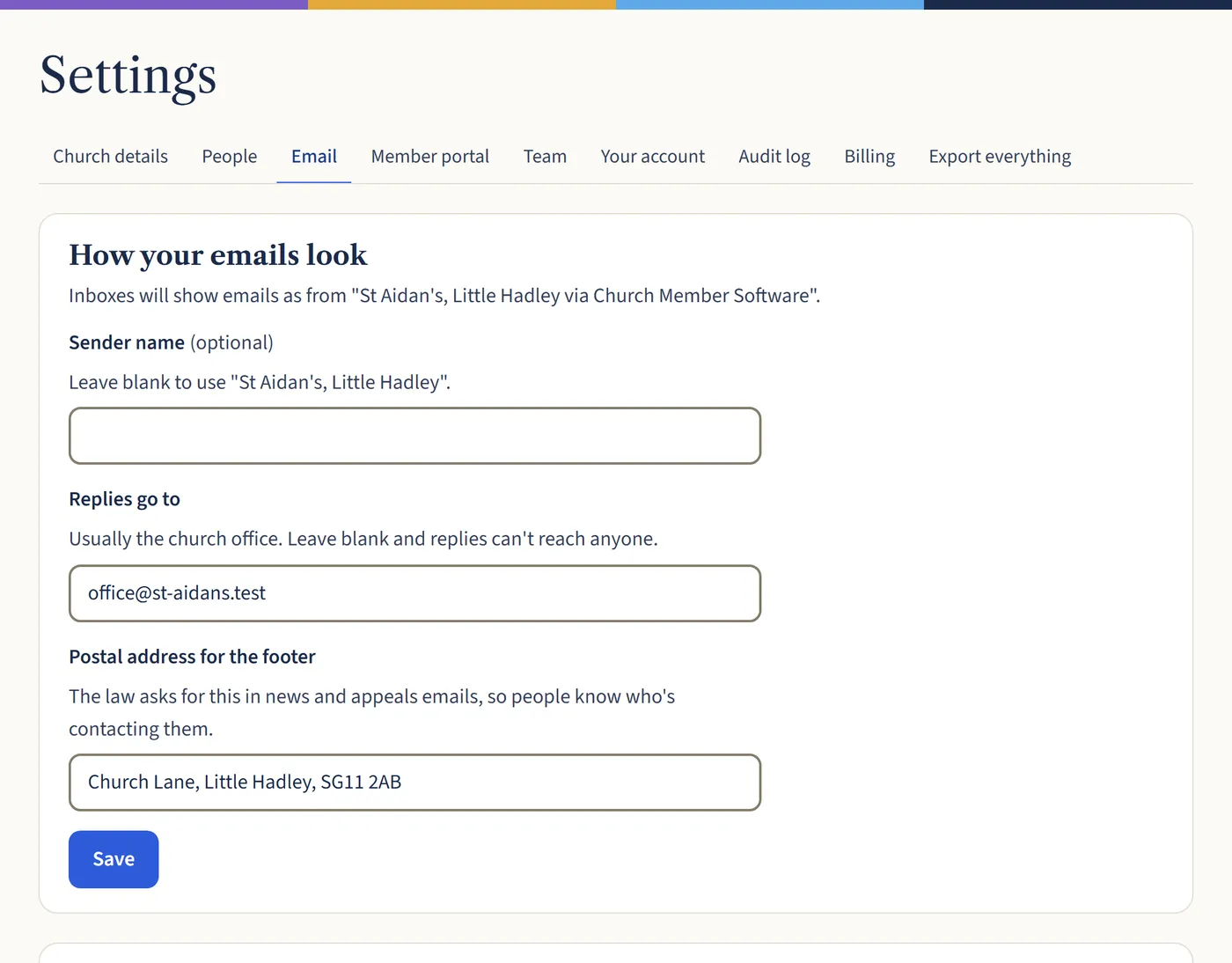
Go to Settings, then Email. Emails show as from your church “via Church Member Software”. You can change the Sender name if you like.
Put your church office email under Replies go to: if it’s blank, replies can’t reach anyone. Add a Postal address for the footer, which the law asks for in news and appeals emails. Then choose Save.
Open a larger view (opens in a new tab)
What happens next
Sending from your own address, such as office@yourchurch.org.uk, is coming soon. Until then, emails come from our address with your church’s name, and replies go to you.