Writing, testing and scheduling an email
Choose who it’s for, write it, send yourself a test, then send or schedule it.
Who can do this: Administrators and staff. Group leaders can email their own groups.
Step 1: Choose who it’s for
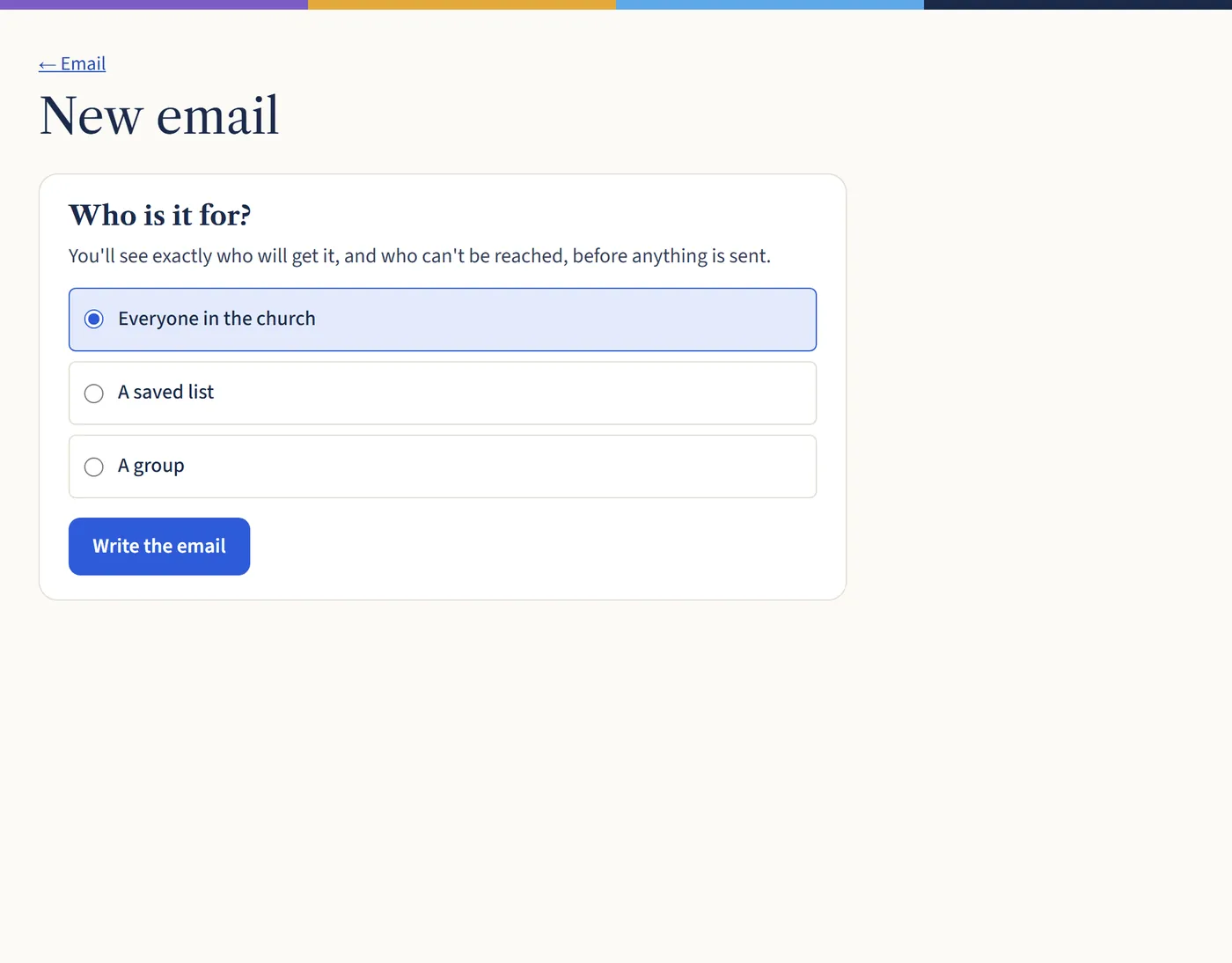
Go to Email and choose New email. Choose everyone in the church, a saved list or a group, then Write the email.
Open a larger view (opens in a new tab) Step 2: Write it
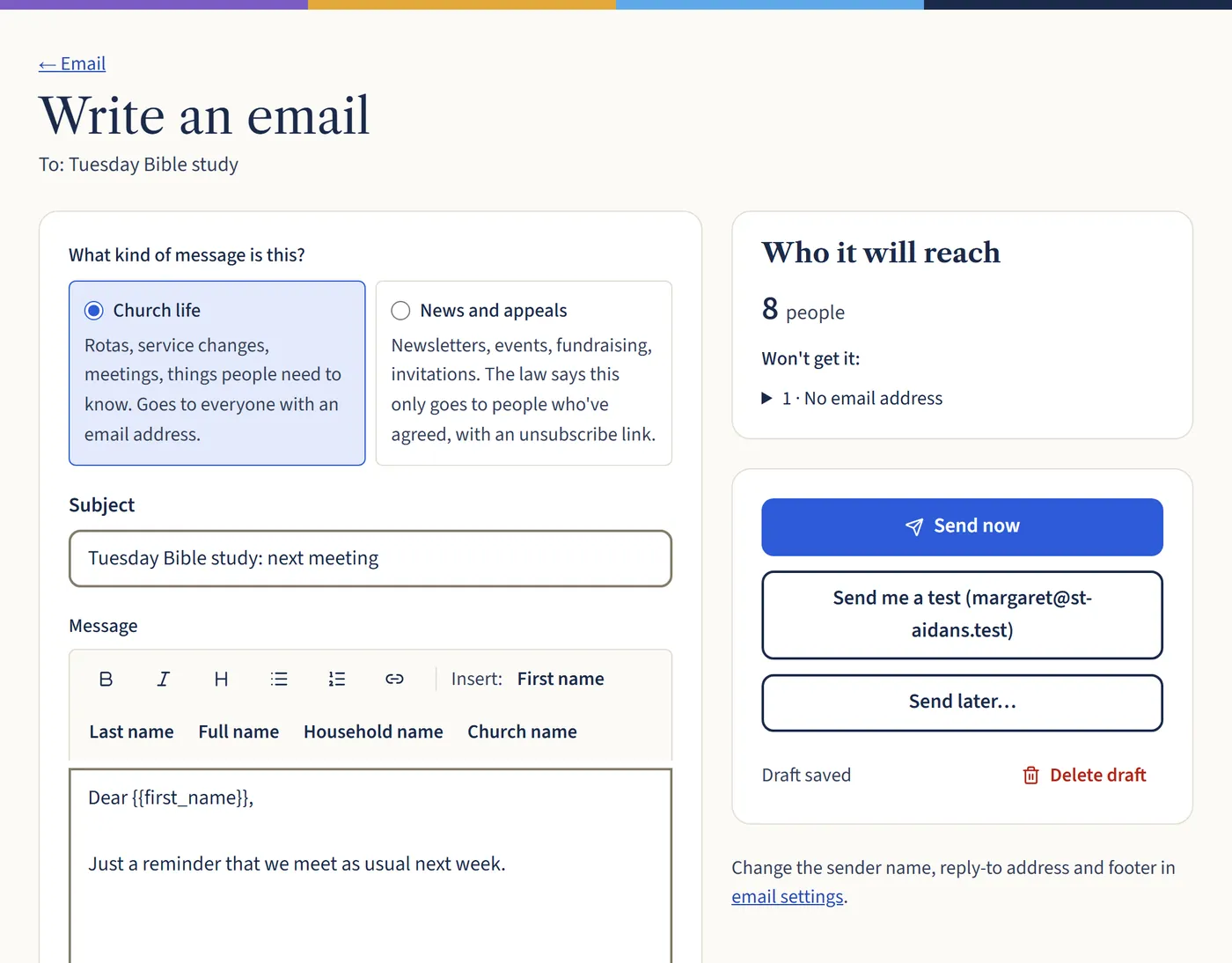
Choose Church life or News and appeals. Add a subject and your message. Use the buttons for bold, headings, lists and links, and Insert to add each person’s first name.
The box on the right shows how many people it will reach, and who won’t get it and why. Your draft saves as you go.
Open a larger view (opens in a new tab) Step 3: Check it, then send or schedule
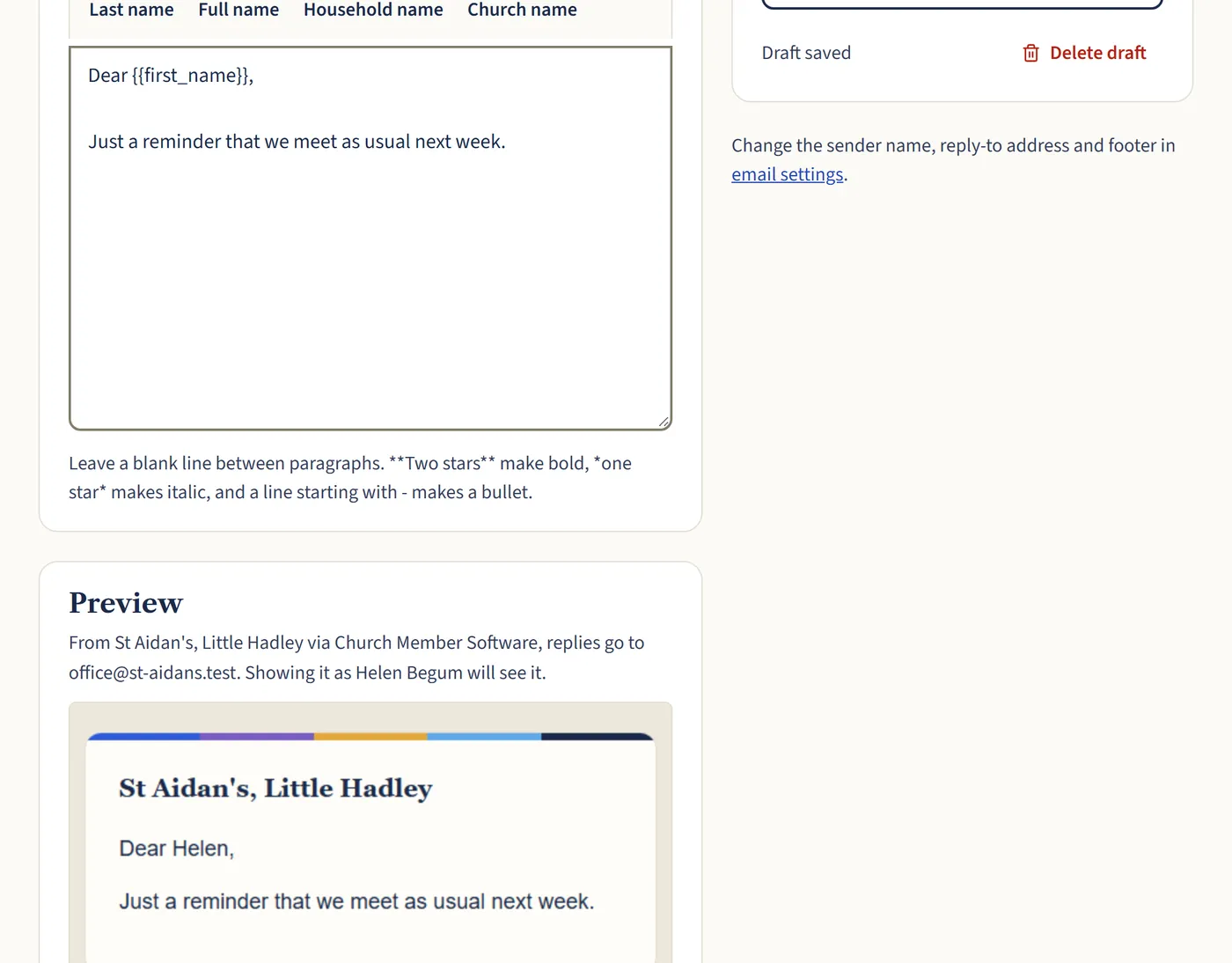
Scroll down to see a preview. Choose Send me a test to see it in your own inbox. Then choose Send now, or Send later…, pick a date and time, and choose Schedule.
Open a larger view (opens in a new tab)
What happens next
After it’s sent, open it from the Email page to see who it went to and whether any bounced. Choose Use as a starting point to send a similar email next time.