Unsubscribes and bounced emails
Who we won’t email, and how to allow an address again.
Who can do this: Administrators
Step 1: See who you won’t email
Go to Email and choose Unsubscribes and bounces. Addresses are added for you when someone unsubscribes from news, or when an address stops working.
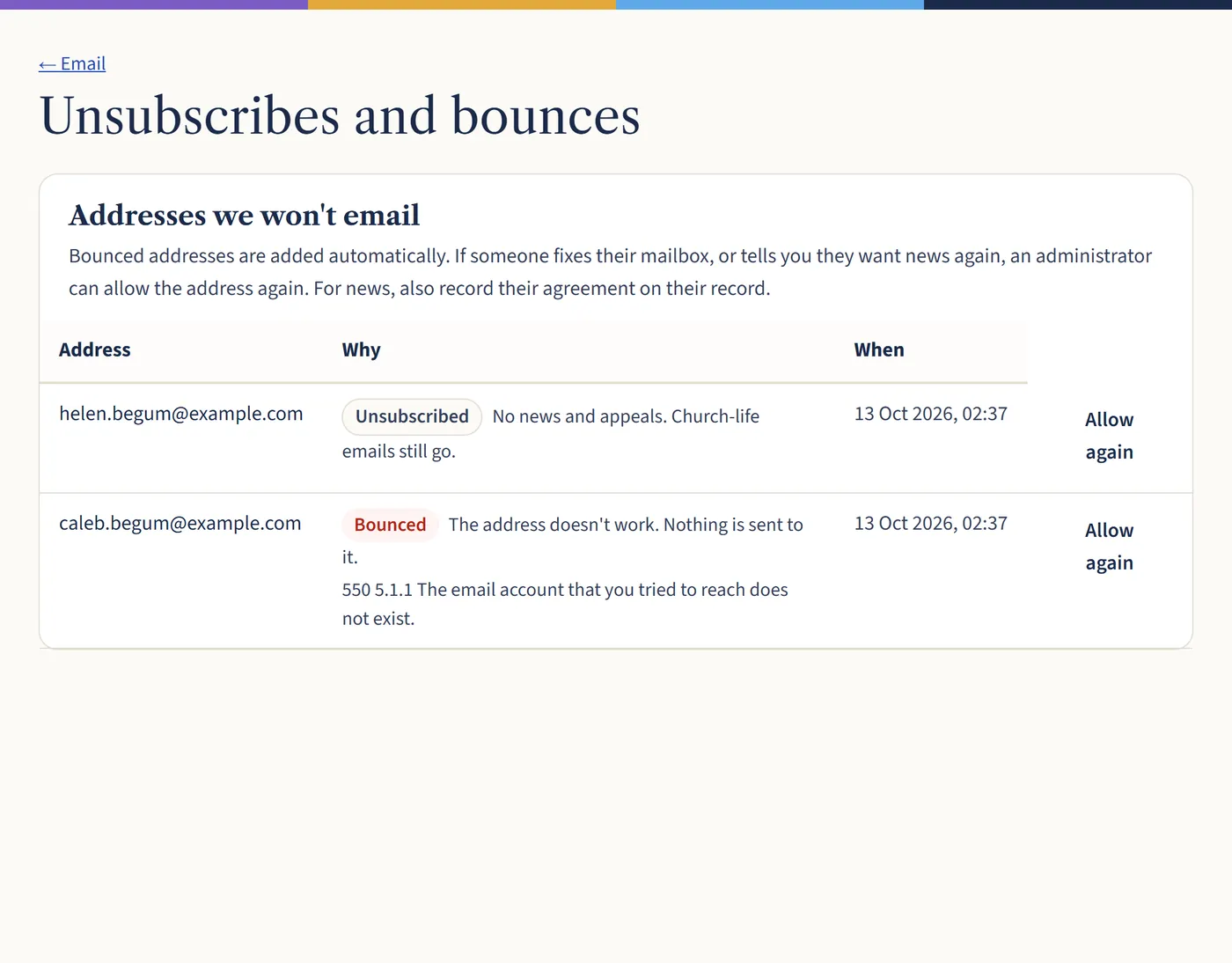
Open a larger view (opens in a new tab) Step 2: Allow an address again
If someone fixes their mailbox, or tells you they want news again, choose Allow again. For news, also record their agreement on their record, under Email.
What happens next
People who unsubscribe from news still get church life emails, such as rota reminders.