Bringing in standing orders from your bank statement
Upload a statement and every regular gift is matched to its giver.
Who can do this: Administrators and treasurers
Step 1: Download your statement
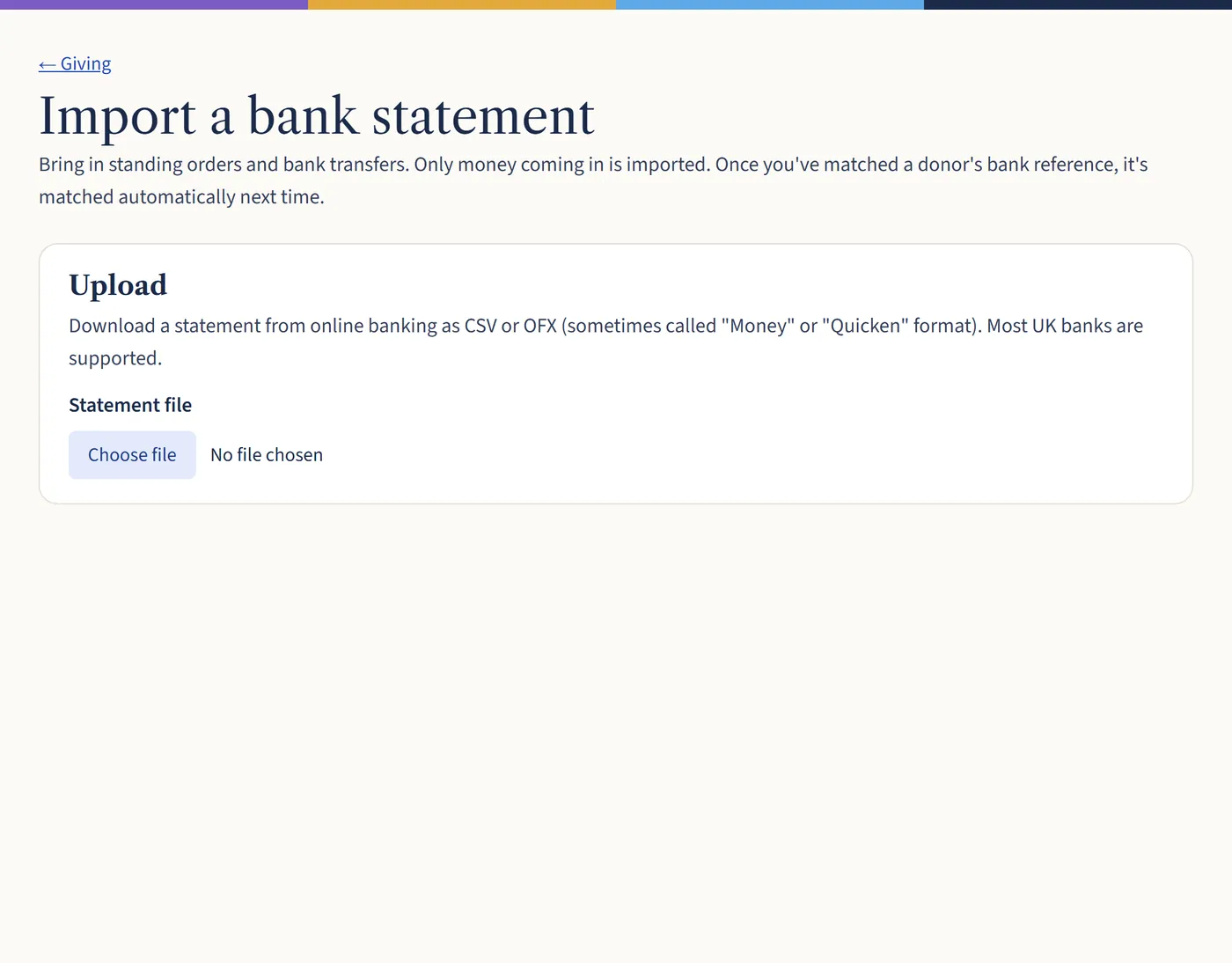
In your online banking, download a statement as a CSV or OFX file (sometimes called “Money” or “Quicken” format). Most UK banks offer one of these.
Step 2: Upload it
Go to Giving and choose Import bank statement. Choose your file. Only money coming in is read: payments out are ignored.
Open a larger view (opens in a new tab) Step 3: Match each payment to a giver
Payments with a bank reference you’ve matched before are matched for you. For the rest, choose Find the donor, or mark the payment as anonymous or one to leave out.
Choose the fund and whether to record them as standing orders or bank transfers, then choose Post. The gifts go into a new batch.
What happens next
Payments you’ve already brought in are spotted and skipped, so it’s safe to upload a statement that overlaps the last one. Unmatched payments are left out: upload the statement again later to match them.