Setting up your funds
The general fund, appeals and anything else people give to.
Who can do this: Administrators and treasurers
Step 1: Open your funds
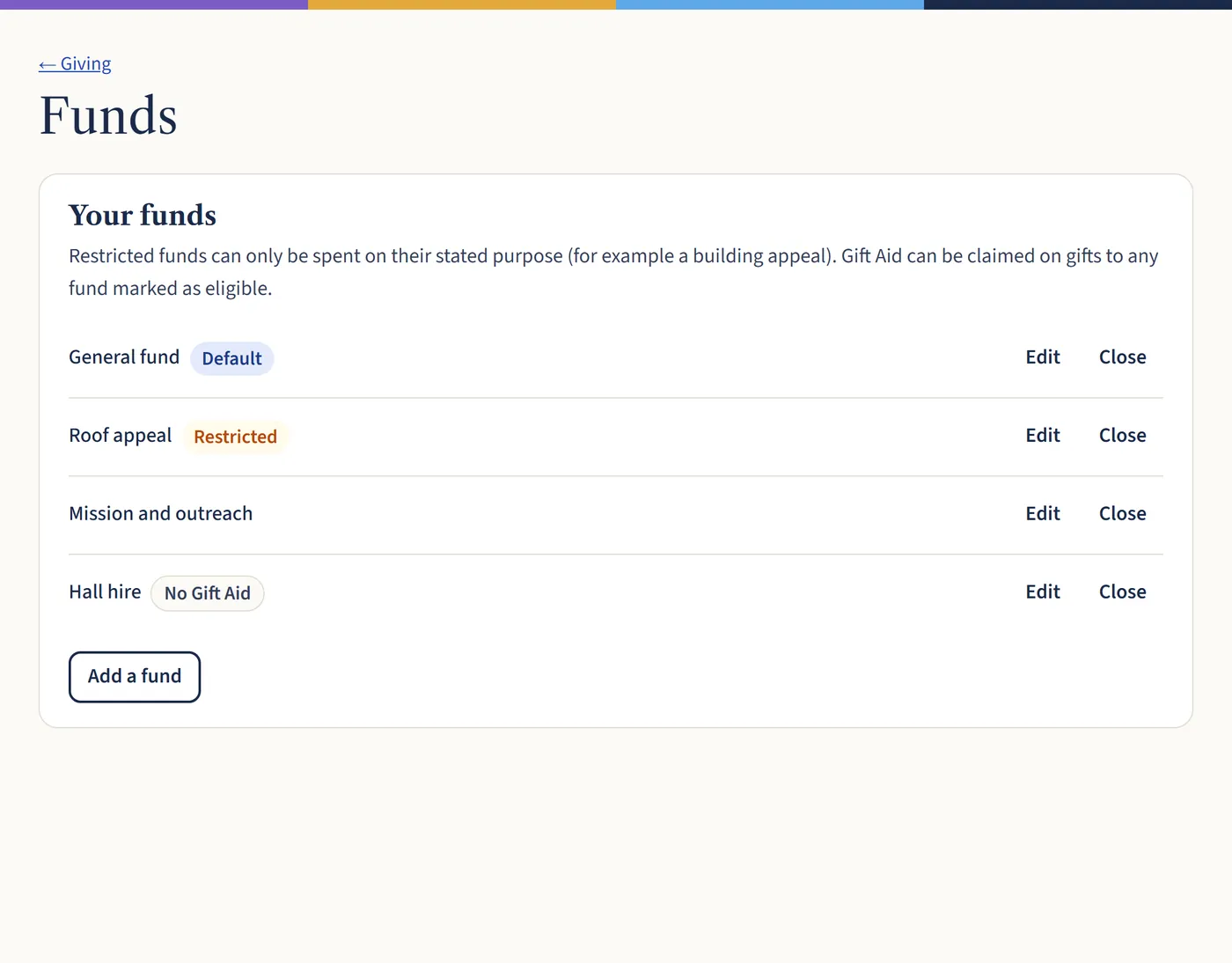
Go to Giving, then Funds. You start with a general fund. Choose Add a fund for each thing people give to, such as a roof appeal or mission giving.
Open a larger view (opens in a new tab) Step 2: Mark restricted funds and Gift Aid
Mark a fund as restricted if the money can only be spent on its stated purpose, such as a building appeal. Turn Gift Aid off for funds that aren’t donations, such as hall hire, so those payments are never claimed.
What happens next
When a fund is finished, choose Close. Its gifts are kept, but it’s no longer offered for new ones.