Sending giving statements
A summary of each person’s giving for the tax year, by email or on paper.
Who can do this: Administrators and treasurers
Step 1: Choose the tax year
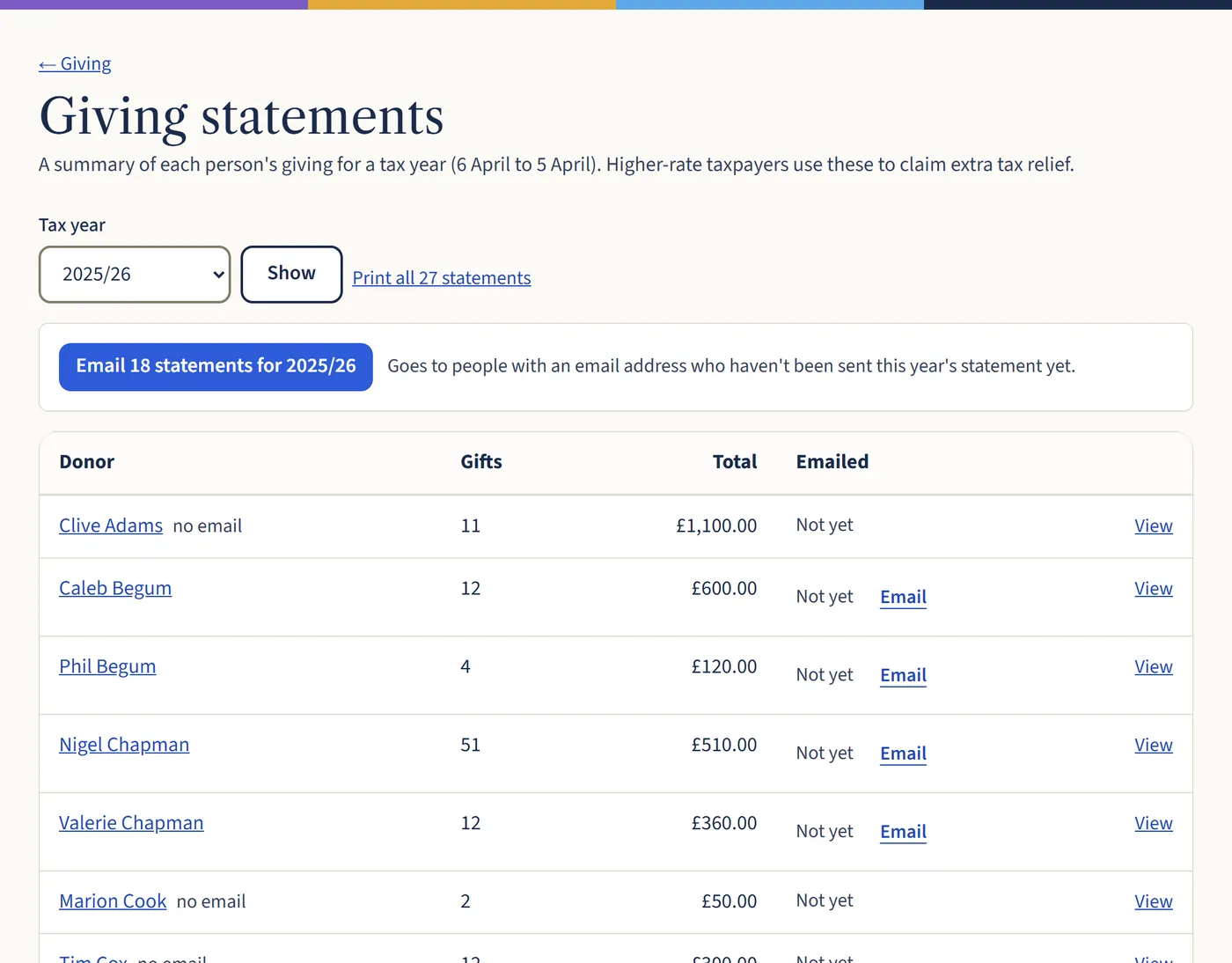
Go to Giving, then Giving statements. Choose the tax year (6 April to 5 April) and Show. You’ll see everyone who gave, with their total and whether they’ve been emailed.
Open a larger view (opens in a new tab) Step 2: Email or print them
The blue Email statements button (it shows how many) sends one to everyone with an email address who hasn’t had this year’s yet. Print all statements prints the lot for anyone without email. Use View or Email next to a name to do one at a time.
What happens next
Givers can also download their own statement in the member area. Higher-rate taxpayers use statements to claim extra tax relief.