Correcting a gift
Remove a gift recorded by mistake and add it again.
Who can do this: Administrators and treasurers. Counters can remove their own gifts from a batch that’s still open.
Step 1: Find the gift
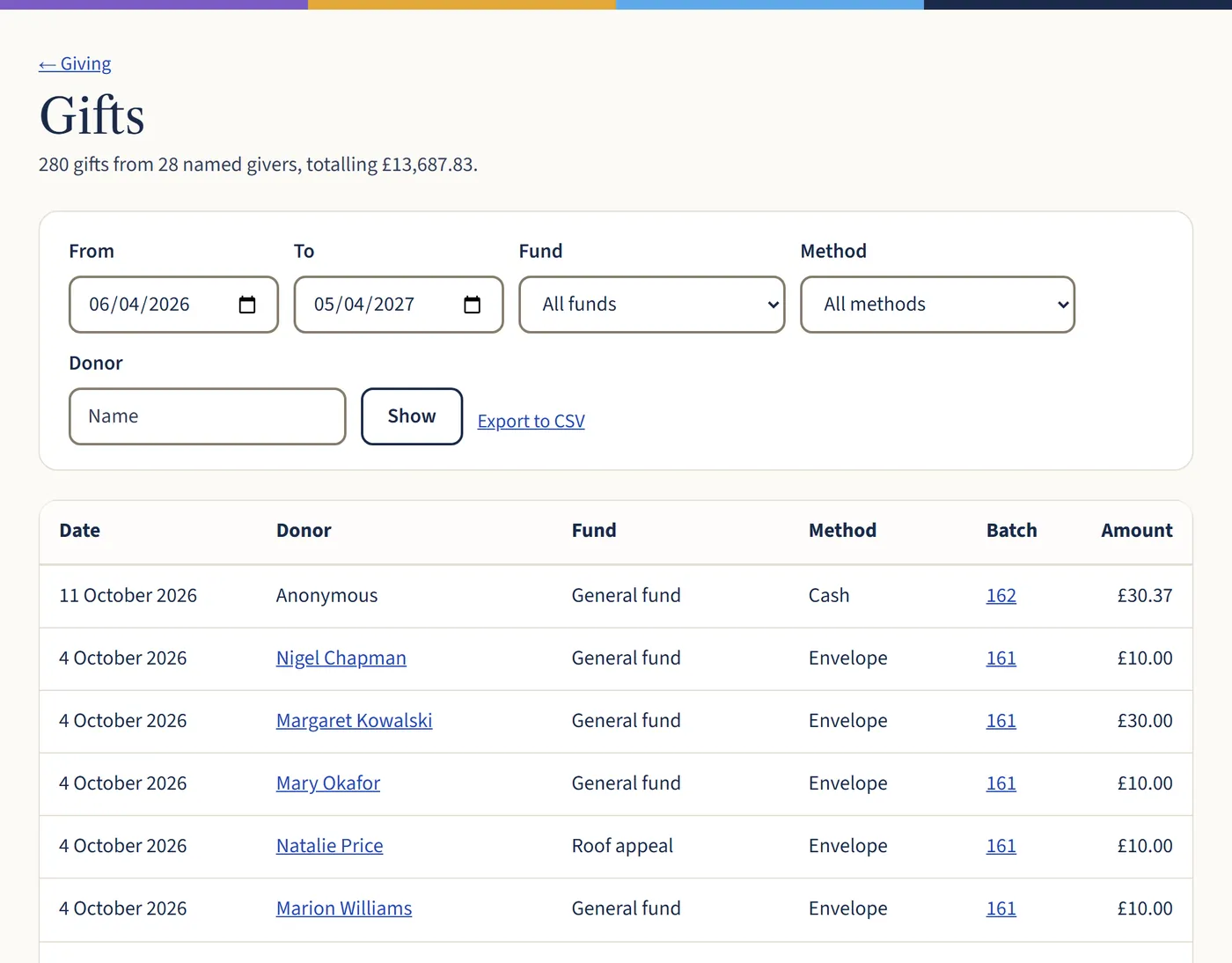
Go to Giving, then All gifts. Filter by date, fund, method or giver, then choose the batch number to open the batch it’s in.
Open a larger view (opens in a new tab) Step 2: Remove it and add it again
If the batch is closed, choose Reopen. Choose the bin next to the gift to remove it, then add it again with the right details. Close the batch again when you’ve finished.
What happens next
Gifts that are in a Gift Aid claim that’s been locked can’t be changed, because HMRC already has them. If one was wrong, see When tax was claimed by mistake.