Making a Gift Aid claim
From building the claim to recording the money from HMRC.
Who can do this: Administrators and treasurers
Step 1: Start a new claim
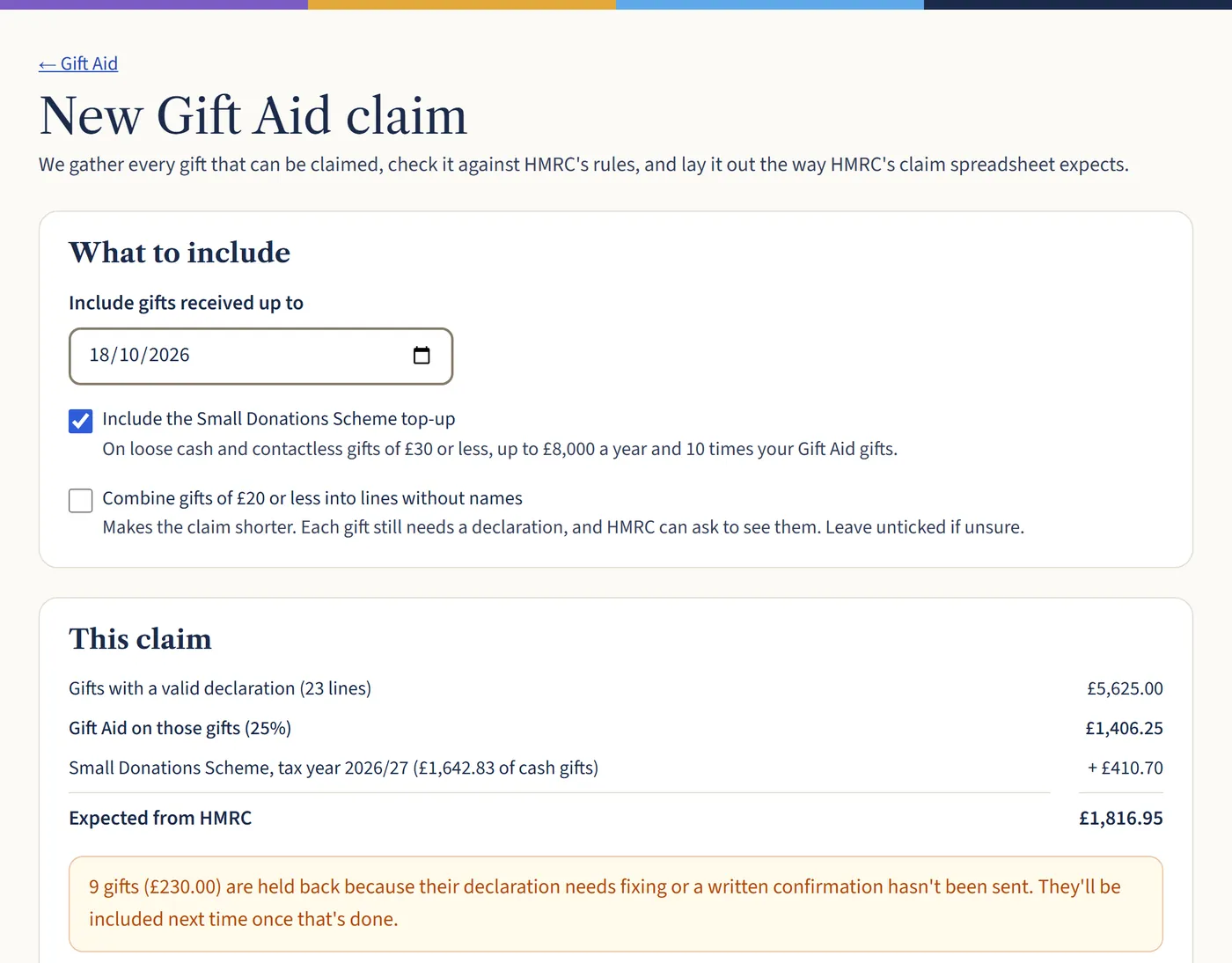
Go to Gift Aid and choose New claim. Choose the date to include gifts up to. Leave Include the Small Donations Scheme top-up ticked if you have loose cash and contactless gifts.
Open a larger view (opens in a new tab) Step 2: Check what’s included
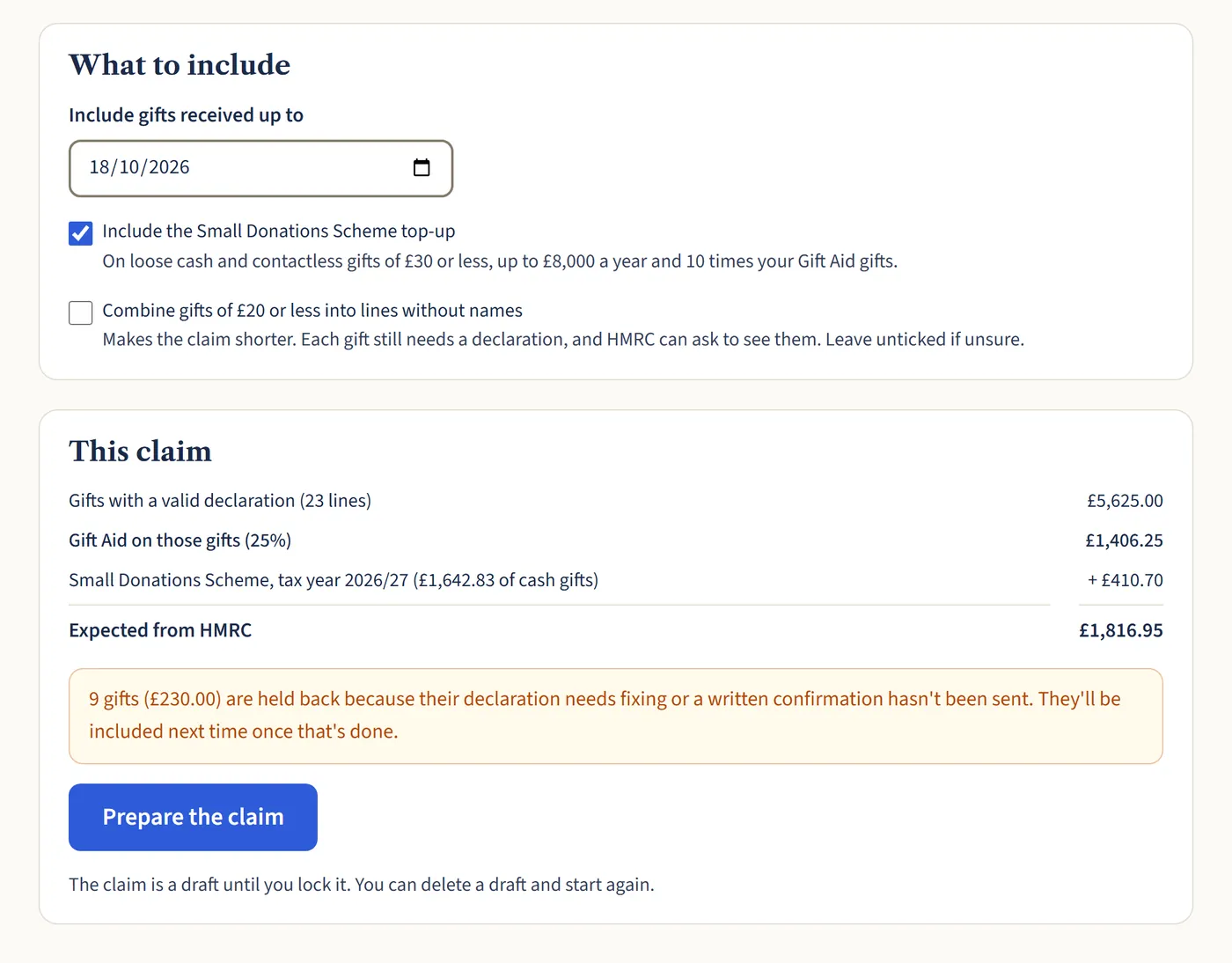
You’ll see the gifts with a valid declaration, the Gift Aid on them, the small donations top-up and the total expected from HMRC. Gifts held back are listed with the reason. Choose Prepare the claim.
Open a larger view (opens in a new tab) Step 3: Lock it and download HMRC’s spreadsheet
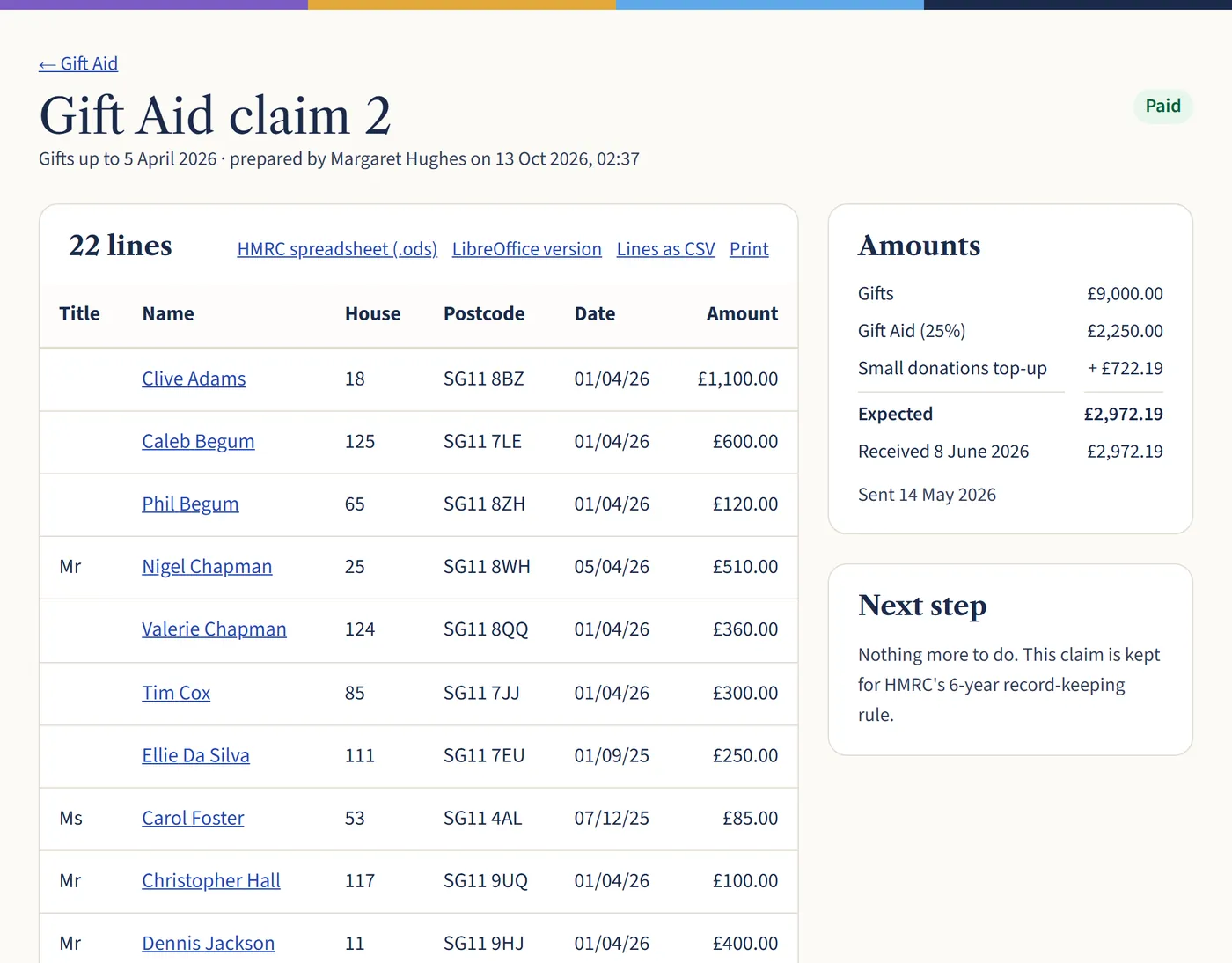
Check the lines, then choose Lock the claim. Its gifts can’t then be changed. Download HMRC spreadsheet (.ods) (or the LibreOffice version) and attach it to a new claim in Charities Online.
Open a larger view (opens in a new tab) Step 4: Record that it’s sent, then paid
Choose I’ve sent it to HMRC with the date. HMRC usually pays within 4 to 5 weeks: when the money arrives, choose Record payment with the amount and date.
What happens next
Spotted a mistake after locking? Choose Unlock to make changes, as long as you haven’t sent it. Claims are kept for the 6 years HMRC can ask about.