Recording Gift Aid declarations
Written, spoken and online declarations, and who still needs one.
Who can do this: Administrators and treasurers
Step 1: See who hasn’t made one
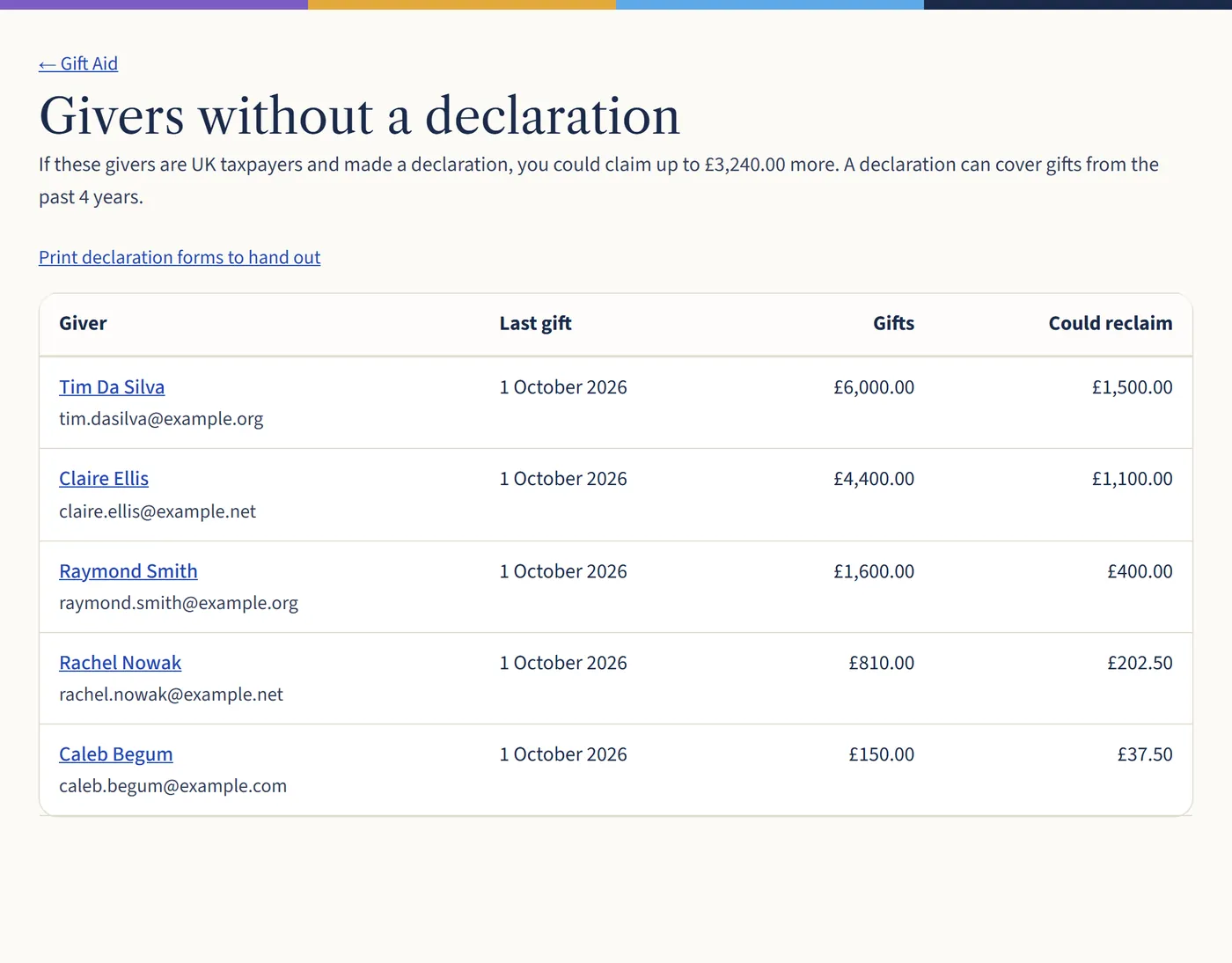
Go to Gift Aid and choose Givers without a declaration. You’ll see each giver and how much tax they could bring in. Choose Print declaration forms for blank forms to hand out.
Open a larger view (opens in a new tab) Step 2: Add a declaration to their record
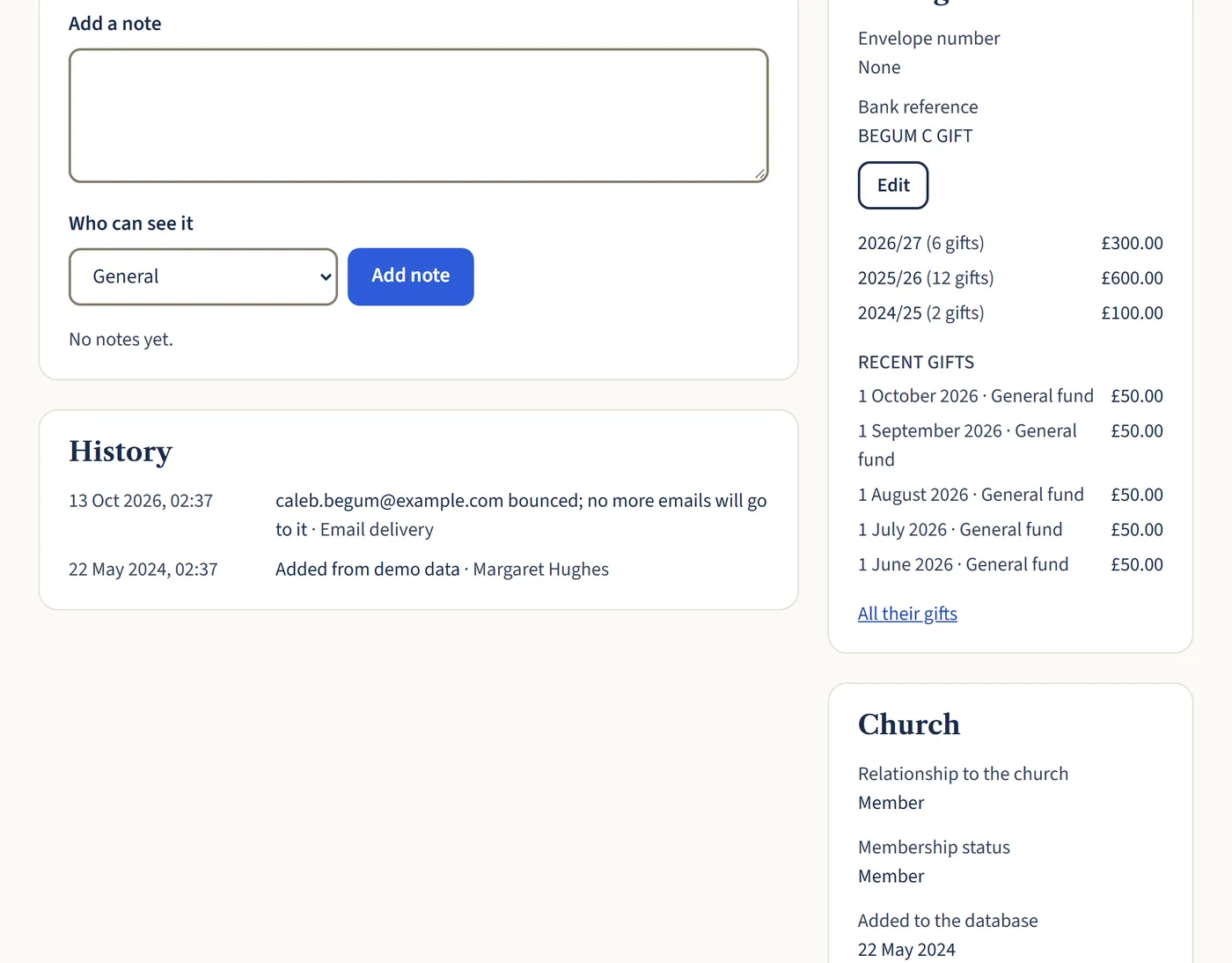
Open the giver’s record and choose Add a declaration in the Gift Aid box. Put in the date it was made, how it was made (paper form, online, email or spoken) and where it’s kept, such as “Paper form, Gift Aid file 2026”.
Choose whether it covers future gifts, the past 4 years as well, or one gift only. Their name and address are recorded exactly as they are now, so check the address is their home address.
Open a larger view (opens in a new tab) Step 3: Spoken declarations need a letter
If someone tells you by phone or in person, HMRC needs you to send them written confirmation. Print the confirmation letter from their Gift Aid box, send it, then put in the date you sent it. Their gifts can be claimed from then on.
What happens next
Members can make a declaration themselves in the member area. It goes straight onto their record.
If someone cancels or stops paying enough tax, choose Cancel declaration on their record and give the date and reason. Gifts after that date won’t be claimed.