Approving members and their requests
Let in people whose email isn’t on your records, and deal with requests.
Who can do this: Administrators and staff
Step 1: Open the member portal page
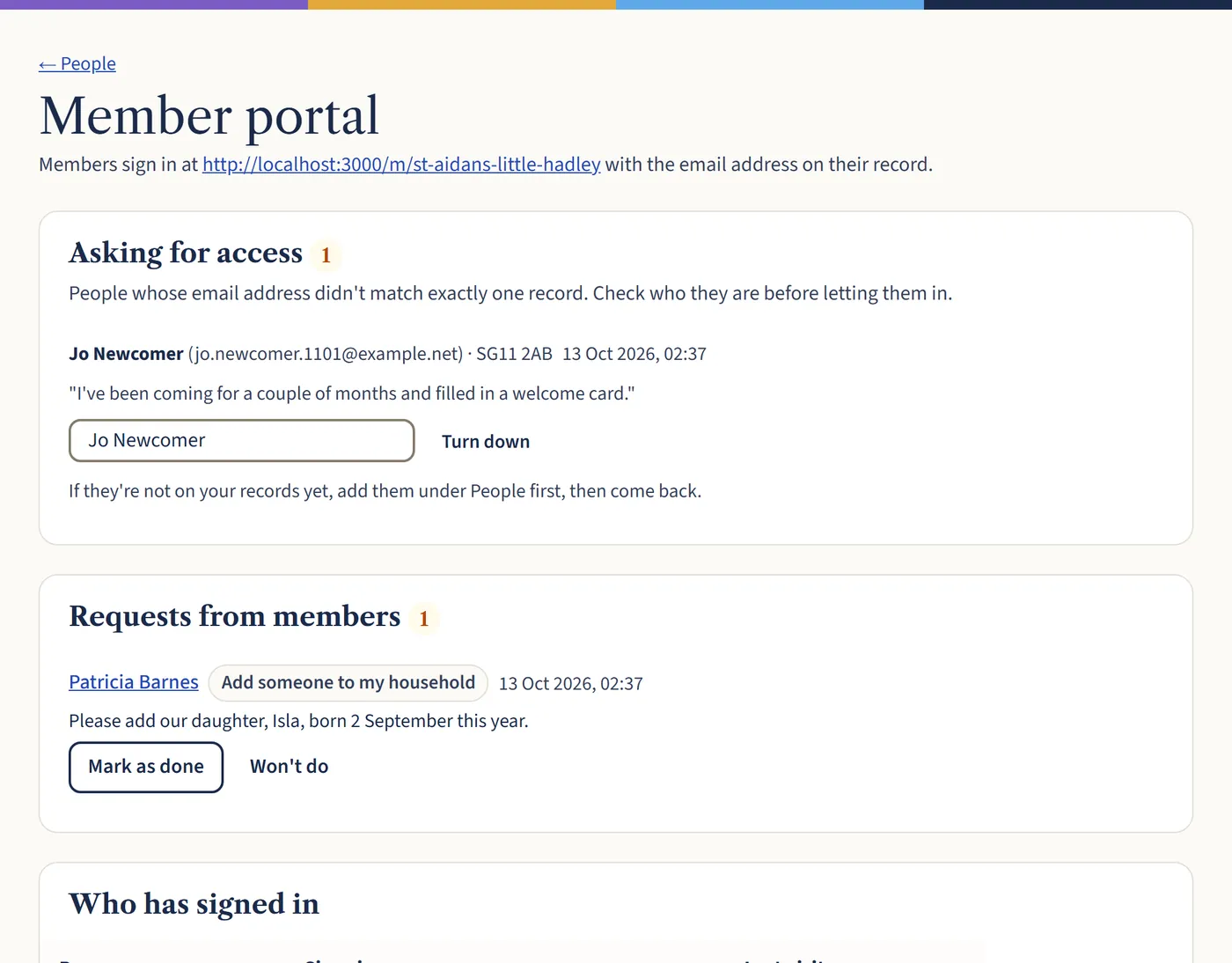
Go to People and choose Member portal. The number beside it shows how many are waiting.
Open a larger view (opens in a new tab) Step 2: Let someone in
Under Asking for access, check who they are, then search for their record under Find their record and choose the right person. If it isn’t someone you know, choose Turn down. If they’re not on your records yet, add them under People first.
Step 3: Deal with requests
Under Requests from members, make the change they’ve asked for, such as adding a new baby, then choose Mark as done. Or choose Won’t do.
What happens next
Under Who has signed in, choose Turn off to stop someone using the member area.