Starting your free trial
Create your church’s account in a few minutes. No card needed.
Who can do this: Whoever looks after your church’s records. You’ll be the first administrator.
The trial lasts 30 days and includes everything. You won’t be asked for a card, and nothing is charged unless you choose a plan.
Step 1: Fill in the sign-up form
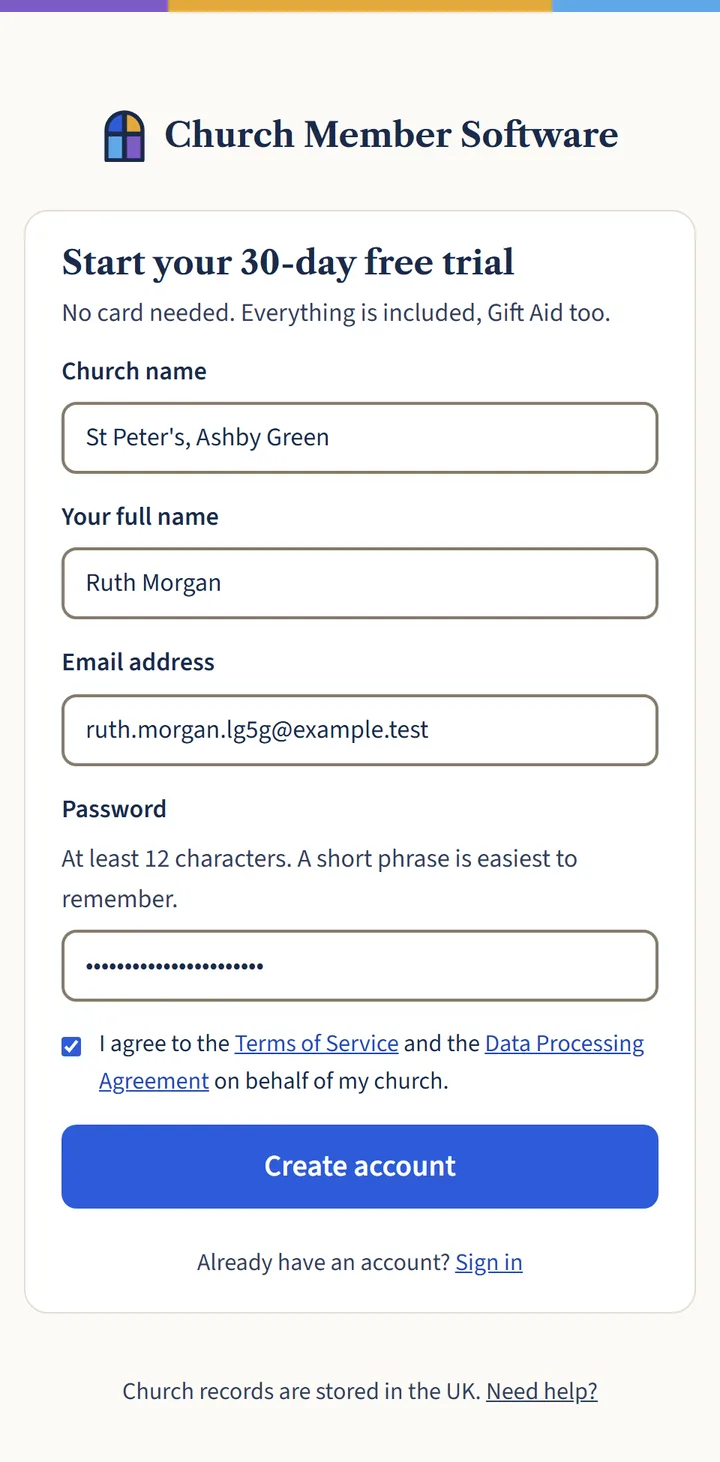
Go to Start free trial. Type your church’s name, your own name, your email address and a password of at least 12 characters. A short phrase is easiest to remember.
Tick the box to agree to the terms on behalf of your church, then choose Create account.
Open a larger view (opens in a new tab) Step 2: Check your email
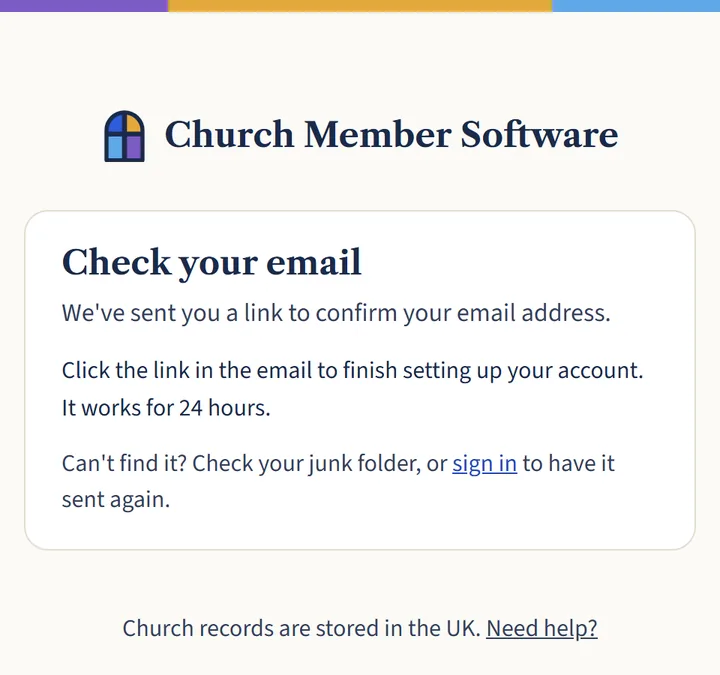
We’ll send you an email with a Confirm your email address button. It works for 24 hours. If you can’t find it, look in your junk or spam folder.
Open a larger view (opens in a new tab) Step 3: Confirm your email address
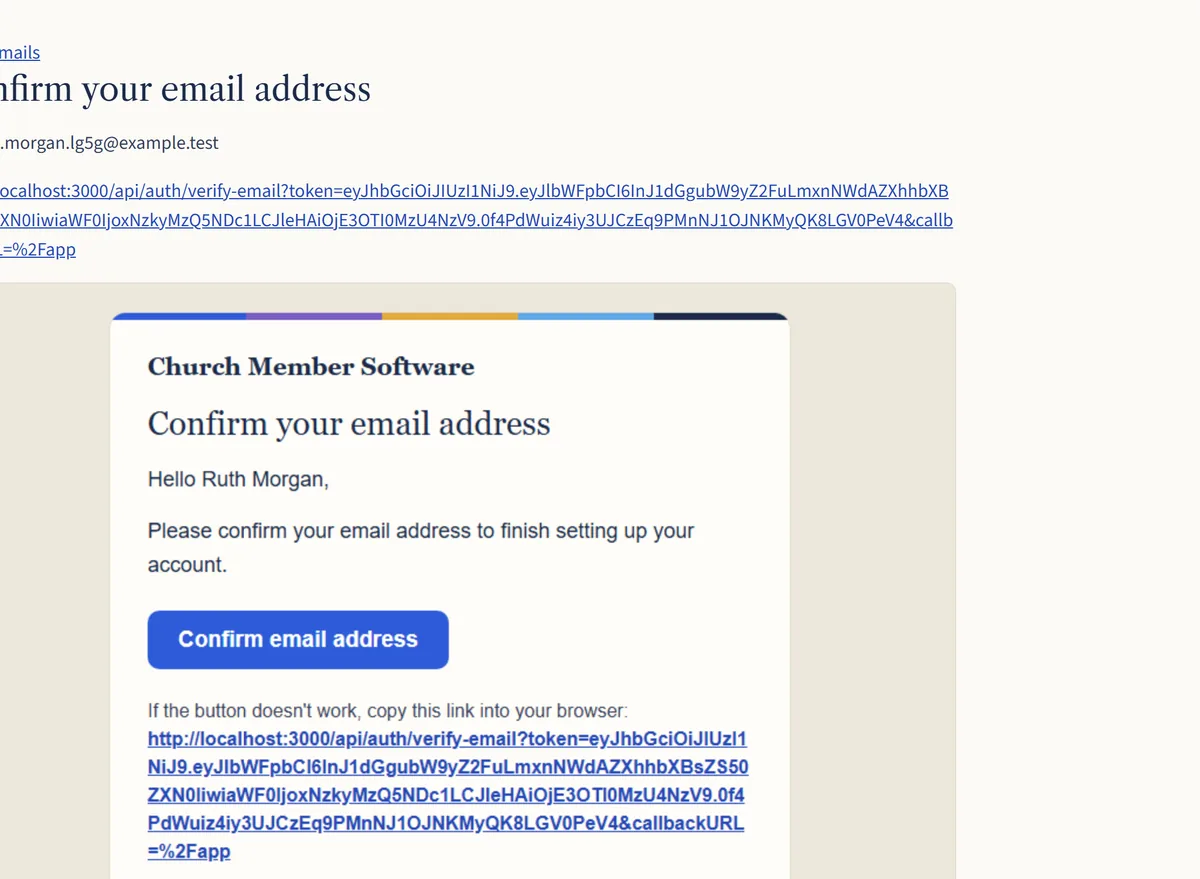
Open the email and choose the button. This proves the address is yours, and takes you into your account.
Open a larger view (opens in a new tab) Step 4: Turn on two-step sign-in
Because your church’s records are sensitive, you’ll be asked to set up two-step sign-in straight away. It takes about two minutes. See Turning on two-step sign-in.
What happens next
You’ll arrive at your dashboard, with a checklist of what to do next. Setting up your church in an afternoon walks you through it.