Setting up your services
Choose what to count at each service.
Who can do this: Administrators and staff
Step 1: Add a service
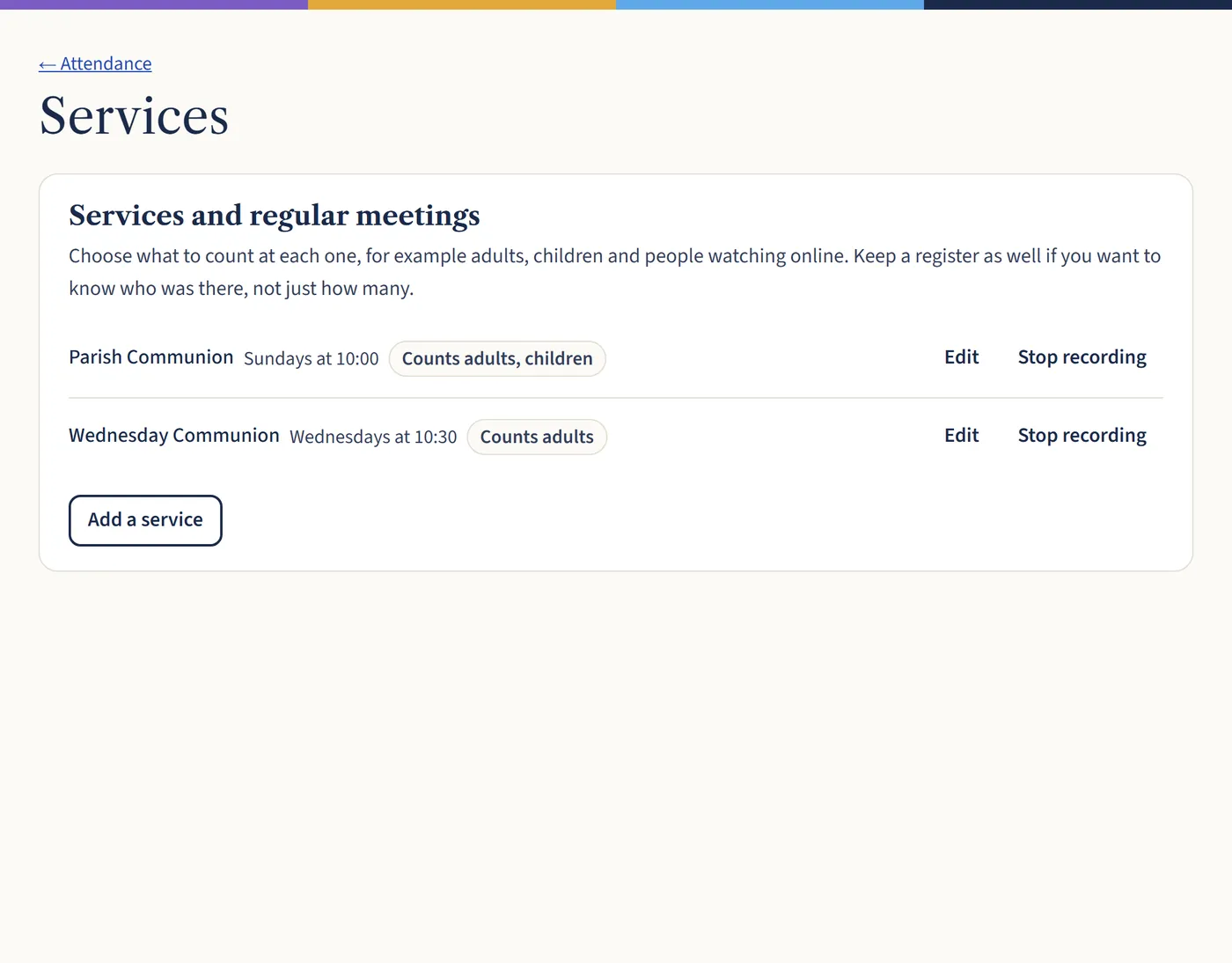
Go to Attendance, then Services, and choose Add a service. Give it a day and time, and choose what to count, such as adults, children or people watching online.
Open a larger view (opens in a new tab) Step 2: Keep a register if you want names
Headcounts tell you how many came. If you also want to know who, tick Keep a register of who was there for that service.
What happens next
Stopped holding a service? Choose Stop recording. Its past figures are kept for your reports.