Setting up groups and their leaders
Home groups, teams and committees, with members and leaders.
Who can do this: Administrators and staff
Step 1: Add a group
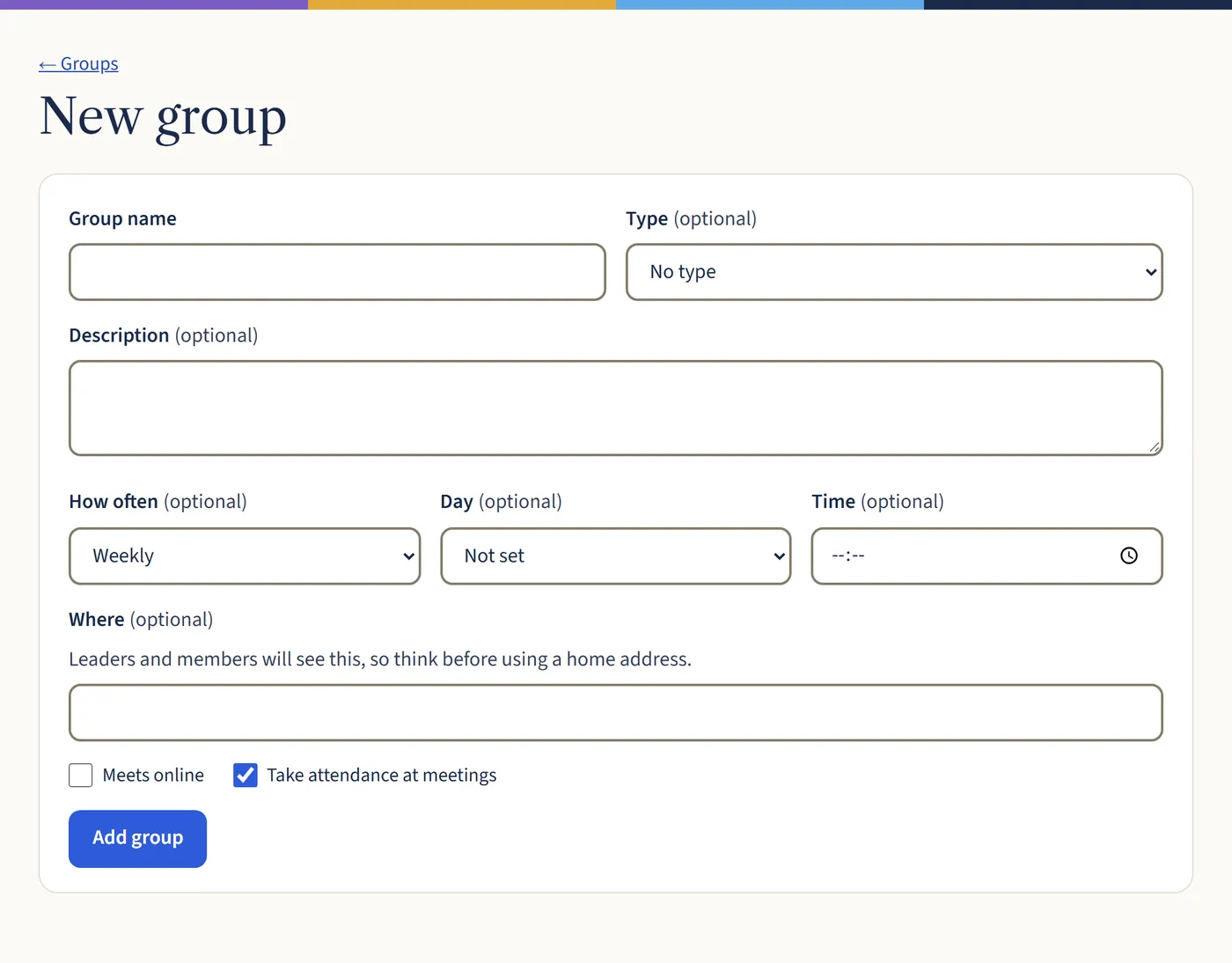
Go to Groups and choose New group. Give it a name, a type if you like (such as Home groups or Teams), and when and where it meets. Tick Take attendance at meetings if you want a register. Then choose Add group.
Open a larger view (opens in a new tab) Step 2: Add members and a leader
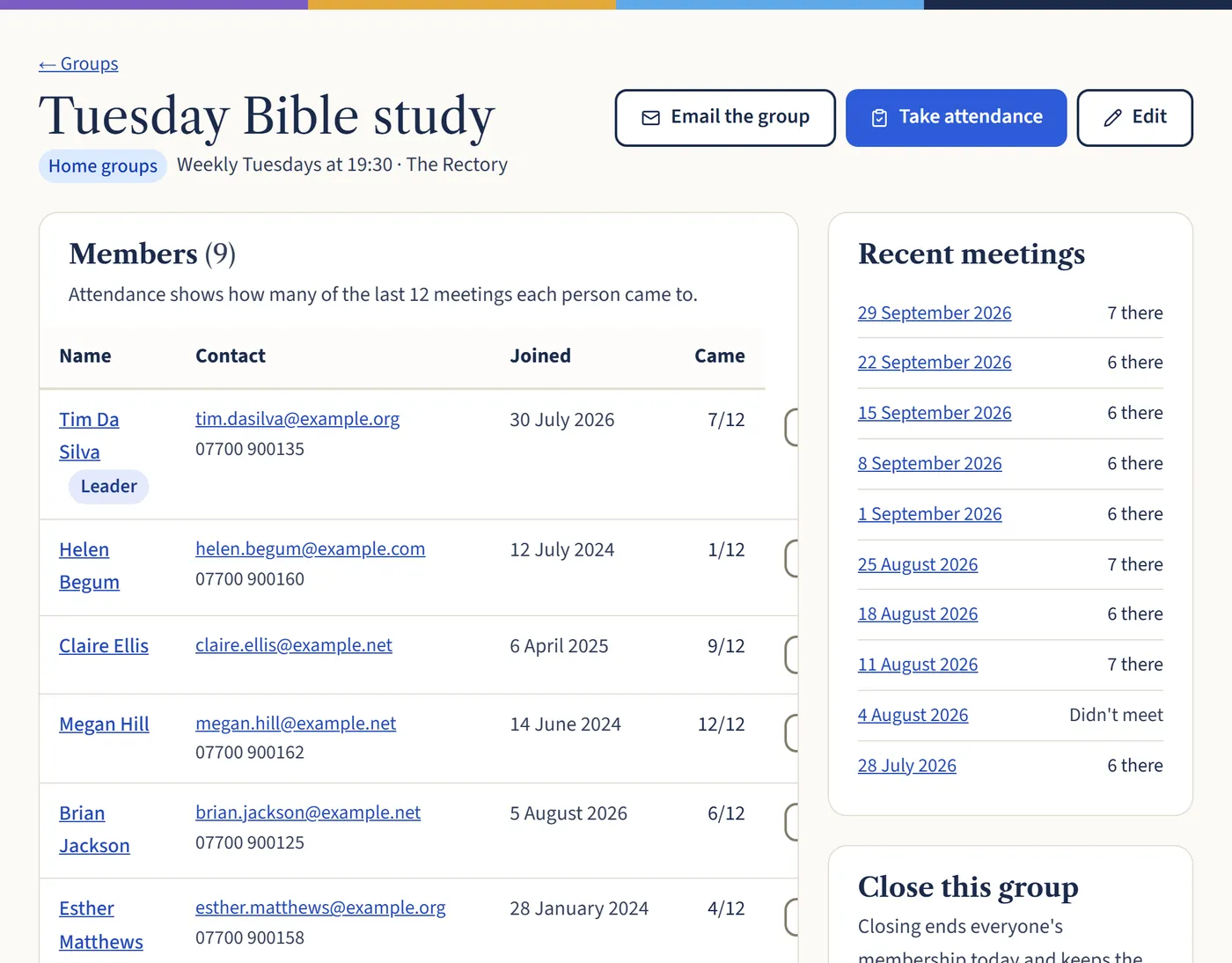
Open the group. Under Find people, search for each member and add them, choosing Leader in the As box for leaders. To let a leader take registers and email the group themselves, give them the Group leader role in Settings → Team and link their login to their record.
Open a larger view (opens in a new tab)
What happens next
When a group ends, choose Close this group. Closing it ends everyone’s membership today and keeps the history.