Registers for groups
Tick who came, from the app or a link in an email.
Who can do this: Administrators, staff and group leaders
Step 1: Open the group’s register
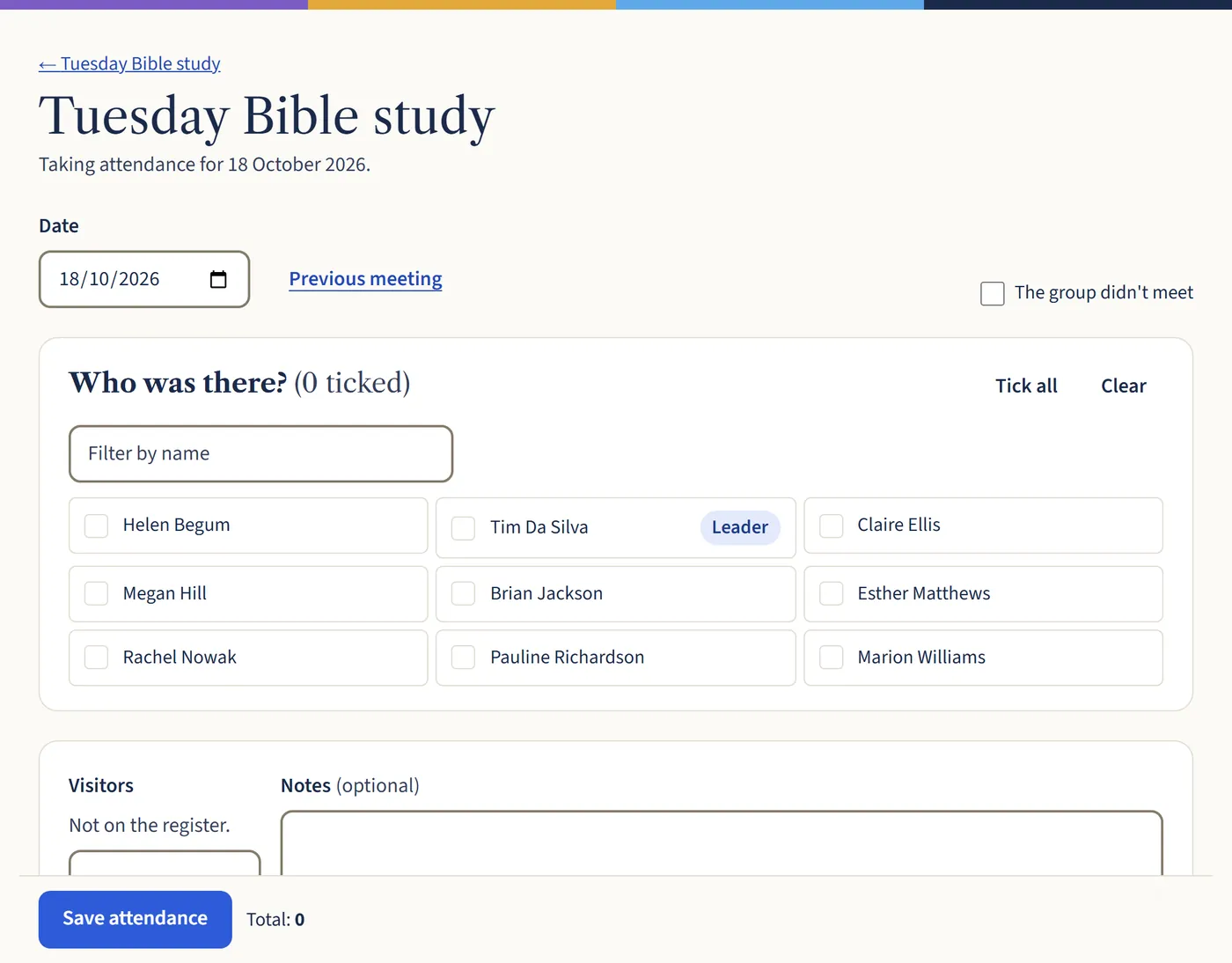
Open the group and choose Take attendance. Check the date.
Step 2: Tick who was there
Tick each person who came, or use Tick all. Add any visitors, then choose Save attendance. If the group didn’t meet, tick The group didn’t meet.
Open a larger view (opens in a new tab)
What happens next
If a group met but nobody took the register, its leader gets an email the next morning with a link to take it. They don’t need to sign in.