Archiving, deleting and restoring people
What to do when someone leaves or dies, and how to bring a record back.
Who can do this: Administrators and staff
When someone leaves, archive them rather than deleting them. Their history and giving are kept, and you can bring them back at any time.
Step 1: Archive someone who has left
Open their record. Near the bottom, under Leaving or died, choose Archive, pick the reason (moved away, left the church or other) and save. They disappear from lists and emails.
Step 2: Record a death
Choose Record a death instead and add the date if you know it. They’re archived, so they drop out of lists and emails.
Step 3: Find and restore archived people
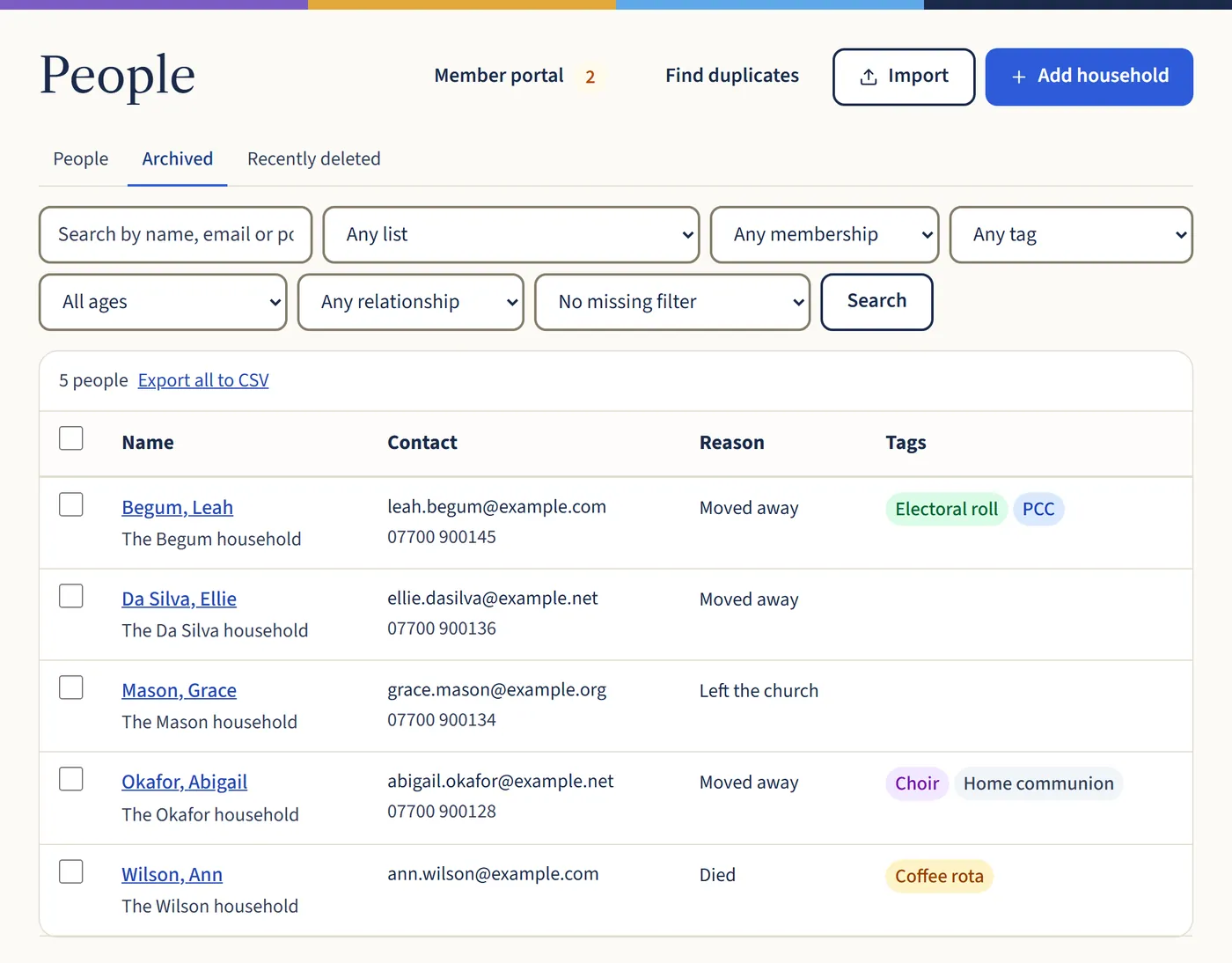
On the People page, choose the Archived tab. Open someone and choose Restore to bring them back, or Delete to remove them.
Open a larger view (opens in a new tab)
What happens next
Deleted people stay under Recently deleted for 30 days, so you can restore them, and are then removed for good. Their giving and Gift Aid records are kept for the 6 years HMRC requires.
If someone asks you to delete their data, use Erase their data instead. See When someone asks about their data.