Pastoral notes and who can see them
Keep notes on a person, and decide which notes are restricted.
Who can do this: Administrators and staff add notes. Administrators decide who sees restricted ones.
Step 1: Add a note
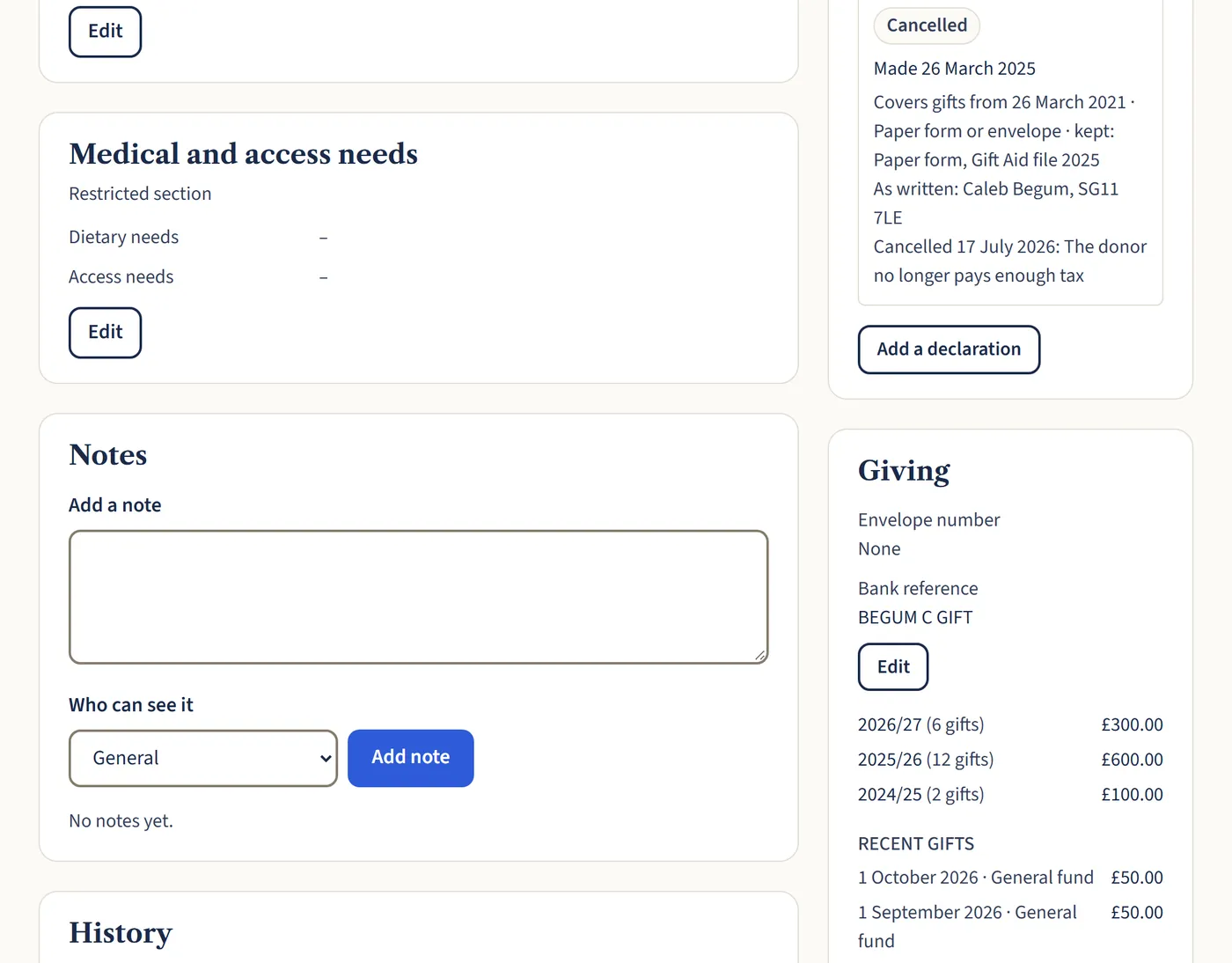
On a person’s record, type in the Notes box, choose who can see it under Who can see it, then choose Add note. Every note is dated and shows who wrote it.
Open a larger view (opens in a new tab) Step 2: Choose who sees restricted notes
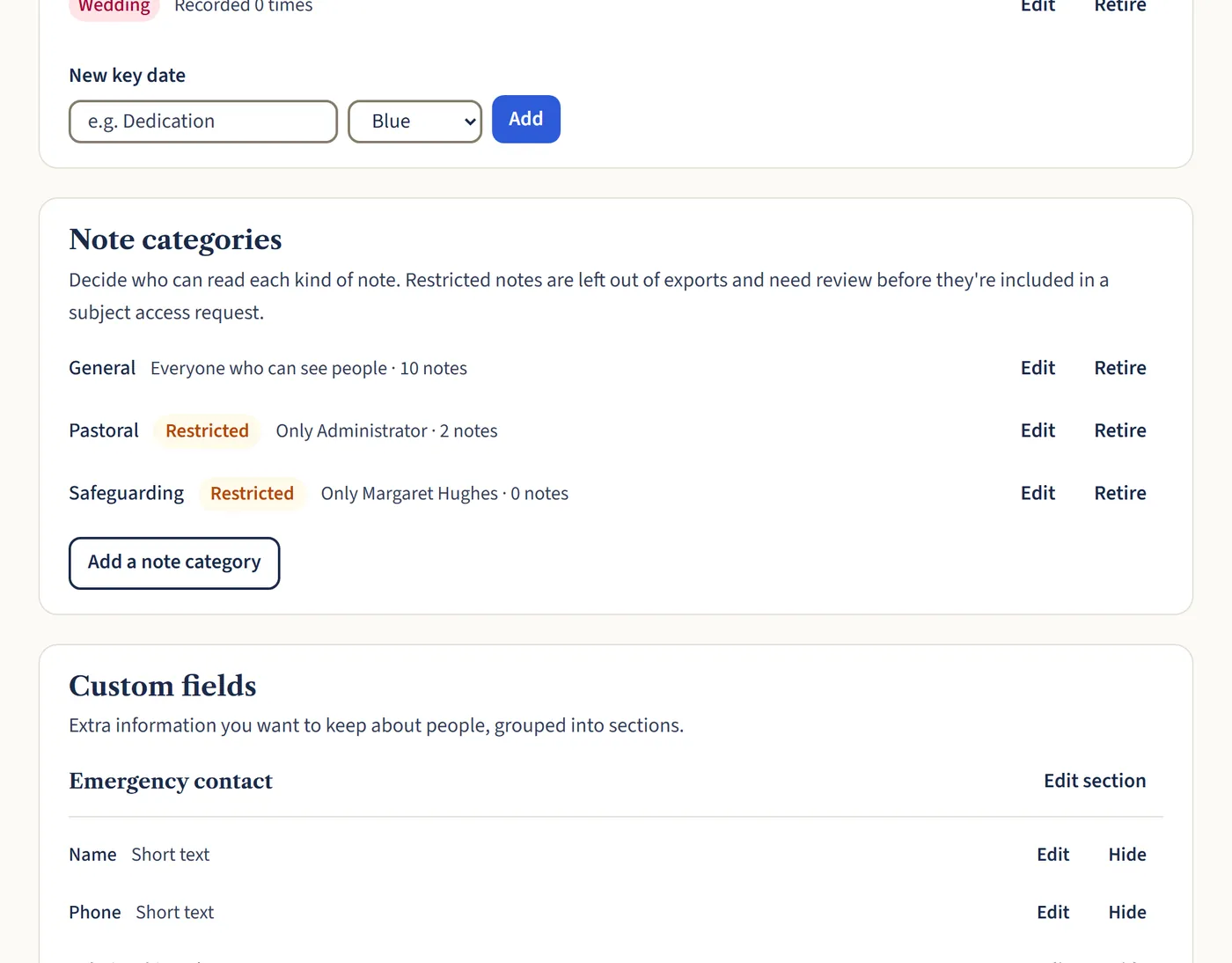
Go to Settings, then People, then Note categories. For each kind of note, choose which roles or named people can see it. Pastoral and safeguarding notes start off visible to administrators only.
Open a larger view (opens in a new tab)
What happens next
Medical and access needs, such as dietary needs, are a restricted section too, edited from the person’s record.
Restricted notes are left out of exports, and set aside for you to check before they’re included in a subject access request.