Reports for your leadership team and AGM
People, attendance, giving and groups over a year, ready to print.
Who can do this: Everyone sees the sections their role allows.
Step 1: Choose a period
Go to Reports. Choose the last 12 months, this year so far, last year, or your last financial year.
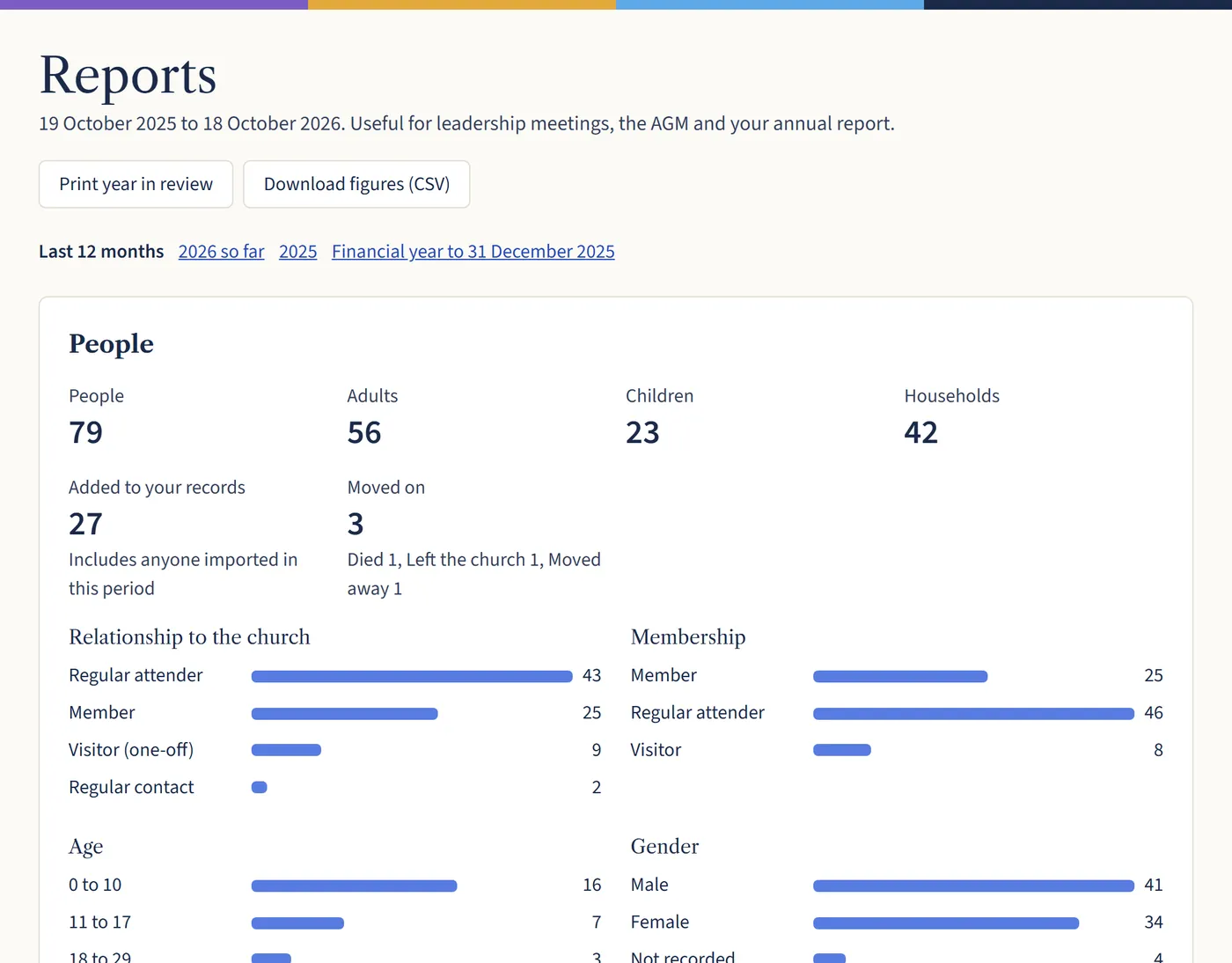
Open a larger view (opens in a new tab) Step 2: Print or download
Choose Print year in review for a page to hand out at your AGM or attach to your annual report. Choose Download figures (CSV) for a spreadsheet of every number, without anyone’s personal details.
What happens next
Figures only include what’s been recorded, so your first year may look lighter than real life.